Overview
Visualize AVITI24™ multiomic data with the CytoCanvas™ desktop application for Mac and Windows.
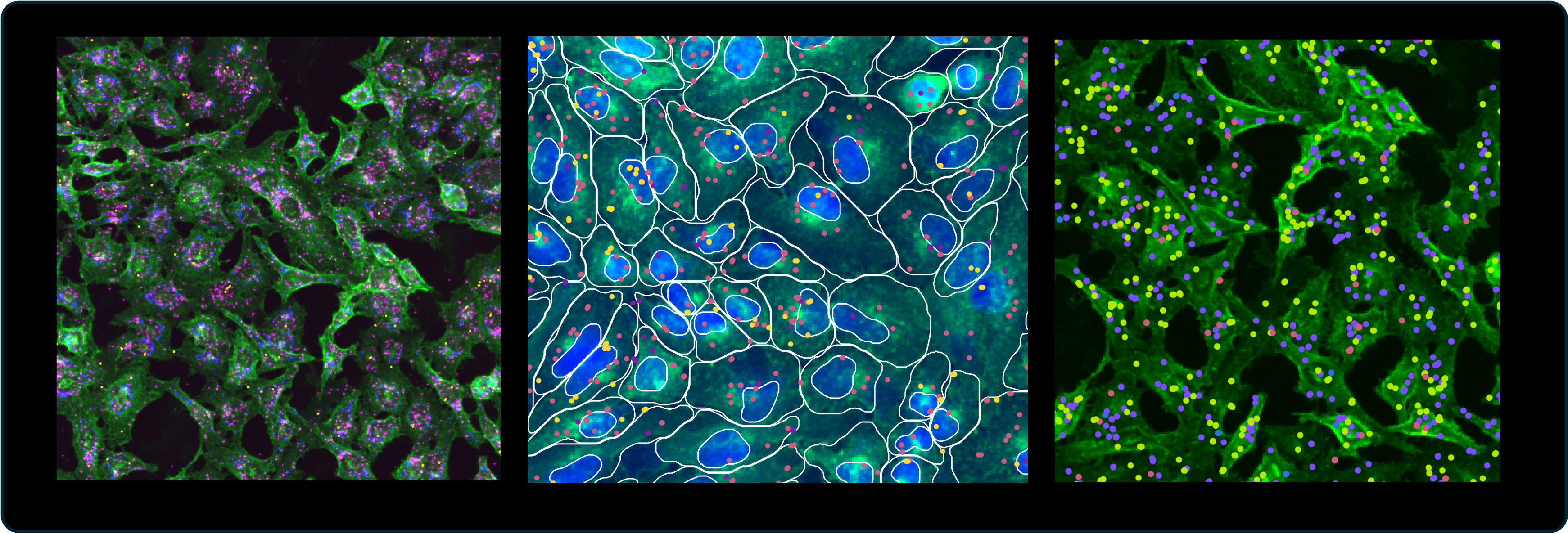
CytoCanvas is a desktop application for Mac and Windows that complements AVITI24 Cytos™ Cell Screening workflows as a powerful cell visualization tool. You can pinpoint the locations of specific proteins and RNA transcripts, visualize cell segmentation, and assess experimental conditions with precision. Whether you are studying complex cellular structures or comparing experimental outcomes, CytoCanvas provides an interactive interface that makes understanding your data both efficient and engaging. Use CytoCanvas to:
- Explore the spatial layout of a flow cell and navigate between wells to inspect morphology, protein markers, Guide RNA targets, and RNA transcripts.
- Visualize and adjust protein channels from fixed panels and custom protein targets within segmented cells.
- Map Guide RNA targets across the flow cell to confirm spatial distribution for OPS runs.
- Explore 3' Transcriptome gene expression spatially, and group genes by pathway or cell type for side-by-side visualization.
- Create cell selections with the lasso tool and upload cell groups to compare and export subsets of cells.
- Customize multi-channel images for publications and presentations.
- Load data locally or from Amazon S3, and resume sessions with workspaces that preserve your view state across sessions.
CytoCanvas 1.5.3 visualizes output from Cells2Stats 2.0.0 or later, including spatially-resolved transcript locations and cell and nuclear boundaries at the full flow cell scale.